Help with sending a message to Emanuel
Step 1
We press the "Contact me" button either from the top menu or from the Home section.

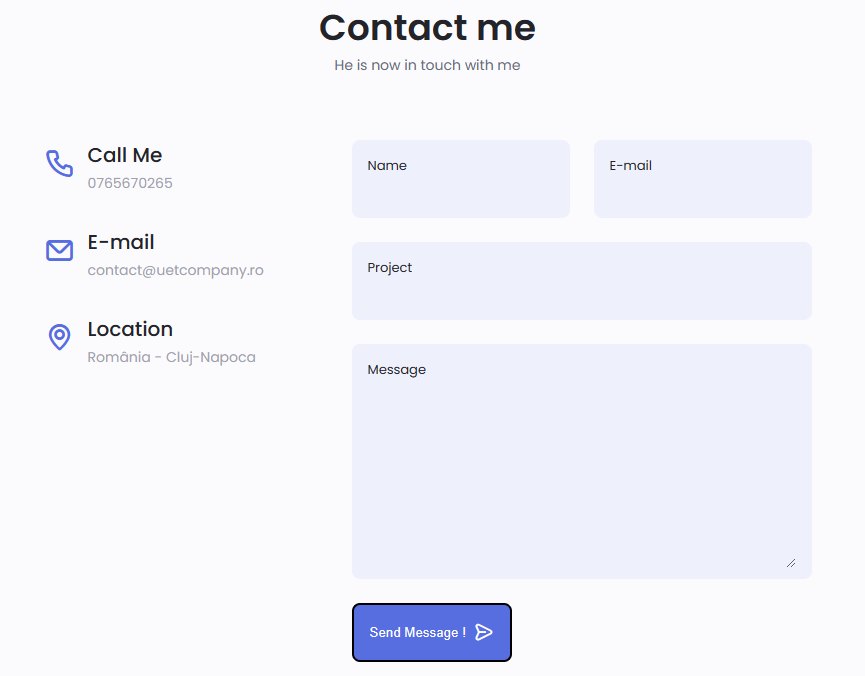
After pressing any of the 2 mentioned buttons you must reach the "Contact me" section.
Step 2
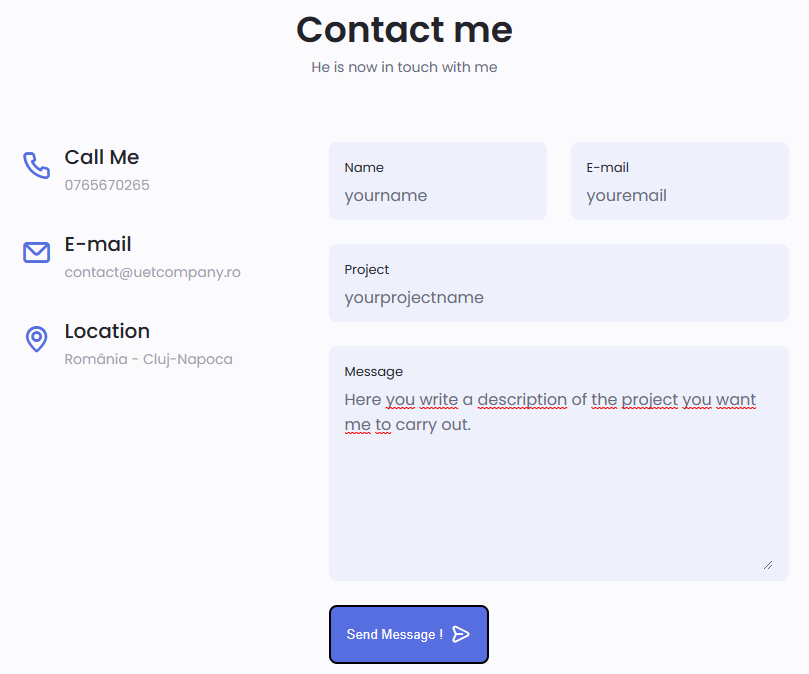
Fill in all the fields in the "Contact me" section with your data.
Step 3
Click on the button with the text "Send message!" so that the message reaches Emanuel.
You managed!
After you pressed the "Send message!" button, your message reached Emanuel.
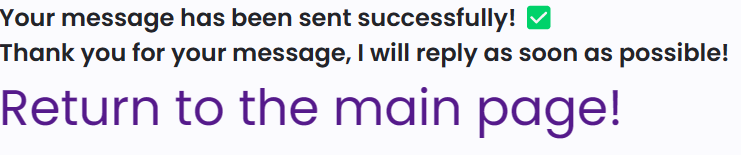
If you have reached a page that looks like the image below, it means that you have successfully sent the message.
Back
Now you can return to the main page by clicking the button with the text "Return to the main page".

Congratulations !
You did very well!